Fogstar Drift Gen1
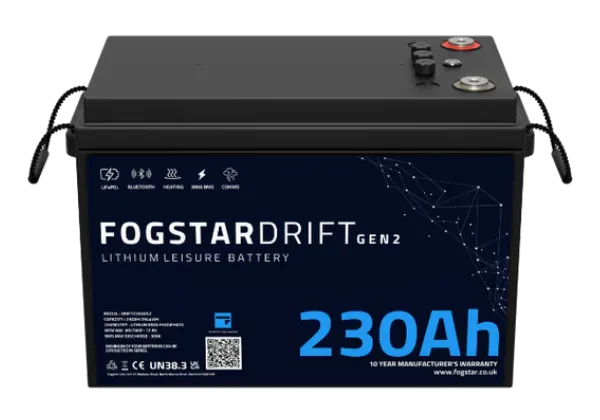
The first generation of Fogstar's Drift leisure battery. Sensa reads the battery's own management system so you can see its charge and cells from the dashboard.
Sensa Connection Method
Bluetooth.
Installation
Install it following Fogstar's instructions, within Bluetooth range of a Bluetooth proxy or the Sensa unit.
Configuration
There is no configuration necessary on the battery before adding to Sensa Nomad.
Adding to Sensa Nomad
Close the battery's phone app first, and disconnect anything else using its Bluetooth. The battery's management system allows only one Bluetooth connection at a time, so while another app or device is connected, Sensa cannot reach it.
Open Settings, choose the Devices tab, tick it under Discovered and press Add Selected Devices. If it is not there yet, press Scan.
See Adding devices for more.
What you see
The battery appears on the BMS tab of the Habitation dashboard.
Good to know
- It is watched for you. Cold-charging protection, Battery cell imbalance and Battery output turned off work with Fogstar packs.