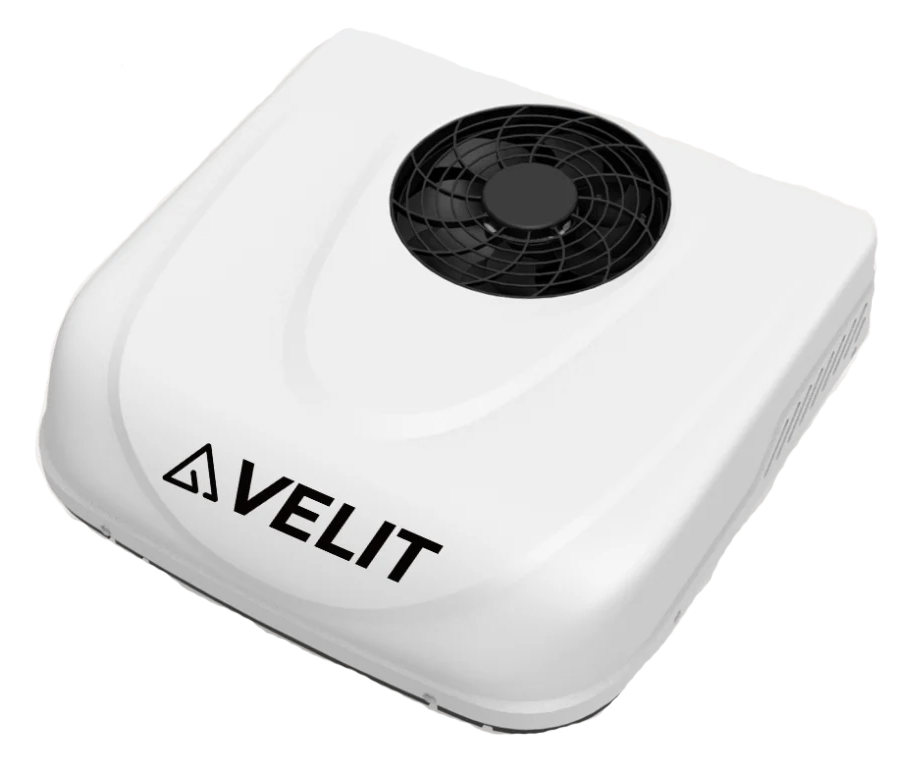
Velit Rooftop Air Conditioner
Sensa talks to your Velit rooftop air conditioner directly, so you can switch it on, pick a mode, and set the temperature and fan from the Climate tab.
Included in Pro and Vision.
Sensa Connection Method
Bluetooth.
Installation
Install it following Velit's instructions, within Bluetooth range of a Bluetooth proxy.
Configuration
Bluetooth. Sensa reaches it through a Bluetooth Proxy, so add one of those first.
Adding to Sensa Nomad
Open Settings, choose the Devices tab, tick it under Discovered and press Add Selected Devices. If it is not there yet, press Scan.
See Adding devices for more.
What you see
- An air conditioner card on the Climate tab with a dial to set the temperature, from 17 to 30 °C, plus power, mode and fan.
- A compact version on the Habitation Home screen. See Choosing what appears on Home.
Good to know
- Modes: cool, heat, fan and dehumidify, plus the unit's eco, sleep, turbo and vent settings. The fan has five speeds, and the louvres can swing.
- It shows as Unverified in the Devices list until we have run it on our bench. See Devices.