Victron Multiplus Inverter
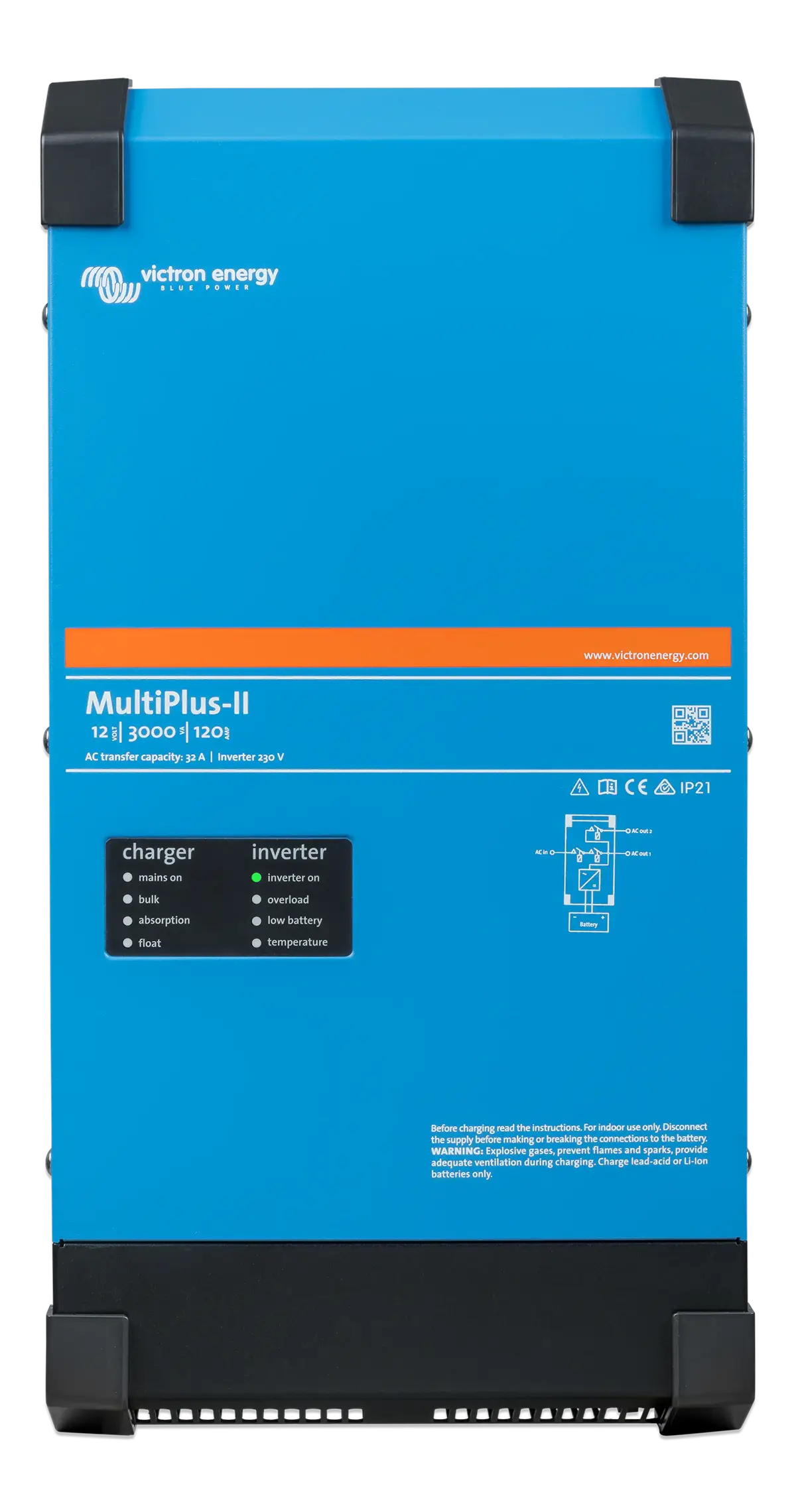
The MultiPlus is your inverter and mains charger: it runs your 230V sockets from the battery and charges the battery when you are on hook-up. Sensa shows what it is doing and lets you change its mode.
Sensa Connection Method
Through a Victron Cerbo GX.
Installation
Install it following Victron's instructions, and wire it to the Cerbo GX on VE.Bus.
Configuration
Through a Victron Cerbo GX, with the MultiPlus wired to the Cerbo on VE.Bus. Sensa does not connect to a MultiPlus on its own, so you need the Cerbo added first.
Adding to Sensa Nomad
Add the Cerbo GX. The MultiPlus then appears on its own, as a row nested under the Cerbo on the Settings > Devices tab with an Inverter label. There is nothing more to add.
See Adding devices for more.
What you see
- Readings: AC input and output voltage, current, power and frequency, DC voltage and current, and the unit's state.
- Inverter mode: Off, Charger only, Inverter only or On. The control sits beside the AC Load on the Electrical tab's power-flow diagram, and on the Habitation Home tab.
- Its name: the name you gave it in VictronConnect, or otherwise its type, such as MultiPlus-II or Quattro, with a number.
Good to know
- It works with your instincts. Sensa uses it to warn you when shore power drops, and cold-charging protection steps its mode down to stop charging into a frozen battery.
- Firmware is updated from VRM, not from Sensa. See Updates.