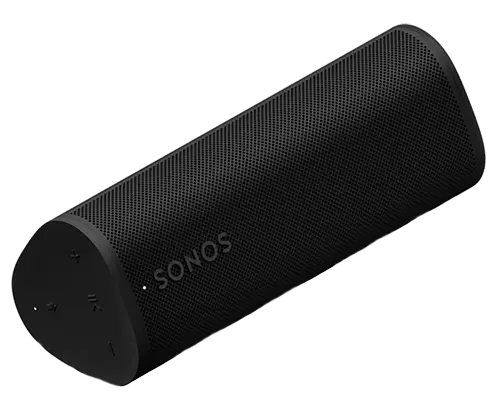
Sonos Roam 2 Speaker
Add a Sonos Roam 2 and you can see what it is playing and control it from the Habitation dashboard.
Included in Pro and Vision.
Sensa Connection Method
Network: Wi-Fi.
Installation
Place it anywhere within reach of your van's Wi-Fi.
Configuration
The speaker joins your van's Wi-Fi and announces itself on the network, so Sensa finds it without you entering an address.
Adding to Sensa Nomad
Open Settings, choose the Devices tab, tick it under Discovered (it is tagged SPEAKER) and press Add Selected Devices. If it is not there yet, press Scan.
See Adding devices for more.
What you see
The Habitation dashboard gains a Media tab, with a card for the speaker showing what is playing, play controls and volume. The tab only appears once a speaker is added.
Good to know
- It carries the Unverified label. It has not yet been through our bench on real hardware, but works as far as the speaker allows.
- Keep it on the same network as your Sensa unit. The way it announces itself does not cross from one VLAN to another.