Bluetooth Proxy
A Bluetooth proxy is a relay that extends Bluetooth's reach around your vehicle. Even if your server has a bluetooth sensor, there is a limit to the number of active connections a sensor can maintain. We always recommend an additional bluetooth proxy especially if connecting to your battery BMS via bluetooth.
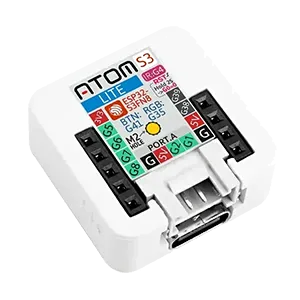
Sensa Connection Method
Network: Wi-Fi.
Installation
Place it near the devices it needs to hear, such as your batteries, within reach of your van's Wi-Fi, and power it from its USB-C socket.
Configuration
Join Wireless Network
Steps:
-
On your mobile or another wireless device, a new wireless SSID should appear named sen-setup-btp. Join this network, the password is sensasetup
-
You will then be presented with a list of all the SSIDs available, select YOUR wireless network and enter YOUR wireless password.
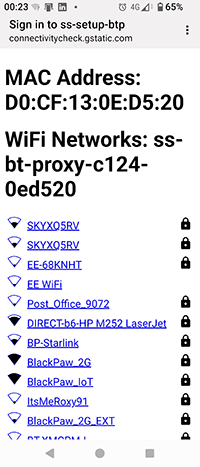
- Power off the device and power on. The device should then join your network.
Running Web Interface
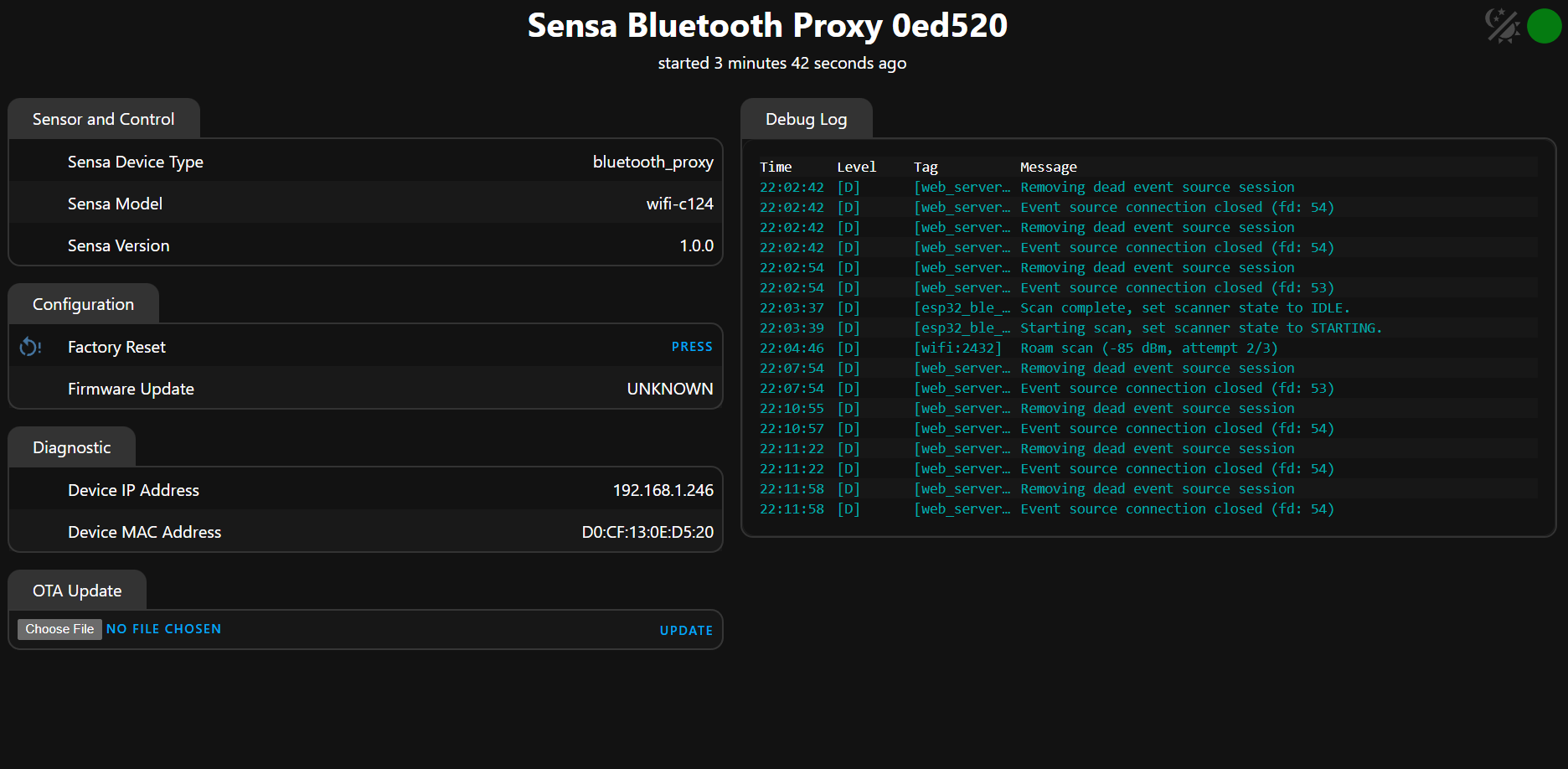
The device has a basic web interface which is useful to ensure the device is running and check the logs.
Steps:
- Identify the IP address of the device from your wireless network. You should see a device named
ss-bt-proxy-c008-xxxxxx(Atom Lite) orss-bt-proxy-c124-xxxxxx(AtomS3), wherexxxxxxis the last 6 characters of the MAC address of the unit. That is used to make them unique in case you have multiple proxies on the network. - Connect to your ip address in your browser
- You will be prompted for a user and password, user: admin, password: sensaweb
Adding to Sensa Nomad
Your Bluetooth Proxy arrives with its firmware installed. Once it is on your van's network, Sensa finds it on its own. Open Settings, choose the Devices tab, tick it under Discovered and press Add Selected Devices. If it is not there yet, press Scan.
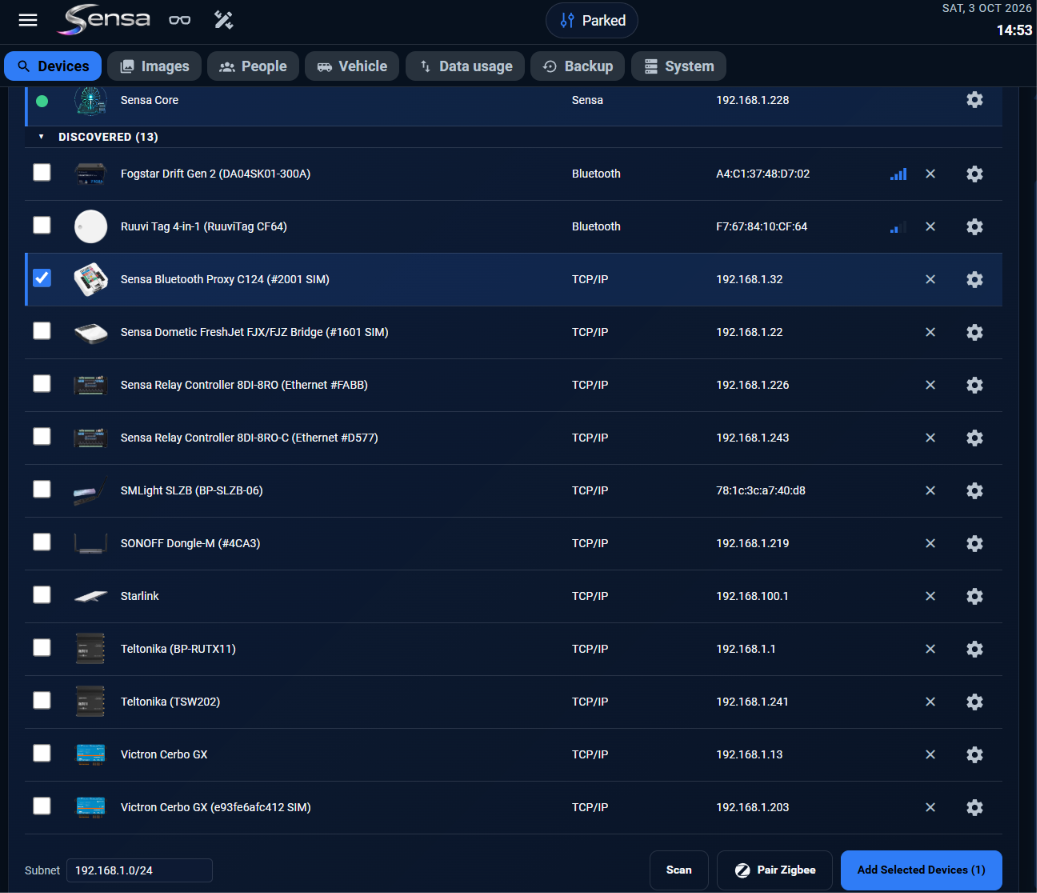
See Adding devices for more.