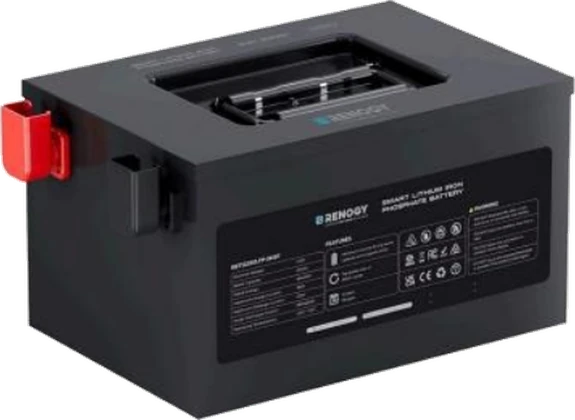
Renogy Pro Lithium
Renogy Pro Lithium batteries have Bluetooth built into the battery. Sensa reads the battery's own management system so you can see its charge and cells from the dashboard.
Sensa Connection Method
Bluetooth.
Installation
Install it following Renogy's instructions, within Bluetooth range of a Bluetooth proxy or the Sensa unit.
Configuration
There is no configuration necessary on the battery before adding to Sensa Nomad.
Adding to Sensa Nomad
Close the battery's phone app first, and disconnect anything else using its Bluetooth. The battery's management system allows only one Bluetooth connection at a time, so while another app or device is connected, Sensa cannot reach it.
Sensa recognises the battery from its Bluetooth name. Open Settings, choose the Devices tab, tick it under Discovered and press Add Selected Devices. If it is not there yet, press Scan.
See Adding devices for more.
What you see
The battery appears on the BMS tab of the Habitation dashboard, with:
- State of charge
- Voltage, current and power
- Remaining capacity and cycle count
- Each cell's voltage
- The battery's temperature readings
- Whether charging and discharging are allowed
Good to know
- No health or balancing figures. The battery does not report state of health or balancing, so those readings do not appear.
- Not yet tested on a real battery. Support is built, but we have not yet had a Pro battery on the bench.
- Only the built-in Bluetooth. Older Renogy batteries that use a separate Bluetooth dongle are not supported.