Sensa Dial
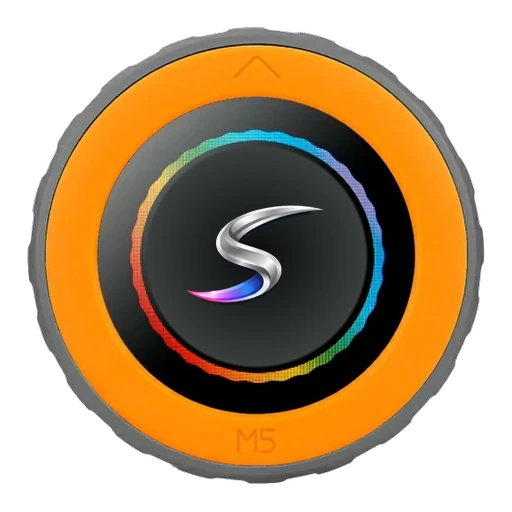
A round touch screen inside a rotary knob, based on the M5Stack Dial (K130) and running Sensa's own firmware. Mount it where you want it, by the door, at the bed or in the cab, and turn it to change things in the van.
Sensa Connection Method
Network: Wi-Fi.
Installation
Mount it where you want it, such as by the door, at the bed or in the cab, within reach of your van's Wi-Fi, and power it from its USB-C socket.
Configuration
Join Wireless Network
- On your phone, join the Wi-Fi network ss-setup-dial. The password is sensasetup.
- Choose your van's Wi-Fi network from the list and enter your Wi-Fi password.
- The Dial restarts and joins your network.
Adding to Sensa Nomad
Once it is on your van's network, Sensa finds it on its own. Open Settings, choose the Devices tab, tick it under Discovered and press Add Selected Devices. If it is not there yet, press Scan.
See Adding devices for more.
Modes
The Dial has five modes. Hold the knob button for 1 to 4 seconds to move to the next one, or pick it from the Dial's Mode setting in Sensa. The Dial remembers its mode, even after a power cut.
| Mode | Turn | Click | Double click |
|---|---|---|---|
| Climate | Set the temperature | Switch on or off | Next heater |
| Lights | Brightness | Switch on or off | Next light |
| Tanks | Next tank | ||
| Electrical | Next page: battery, solar, shore, alternator, loads | ||
| Bedside | Set the alarm time | Night mode, or stop the alarm |
Climate starts on SensaClimate, then has a page for each heater. Lights offers what your Lighting tab shows.
A mode with nothing behind it is skipped, such as Tanks in a van with no tank sensors, and appears by itself once you add the device. You never need to update the Dial for that.
Good to know
- The screen dims after 30 seconds. The first turn or press after that only wakes it.
- No reading shows as
--. If the Dial has not heard from Sensa for 5 minutes it shows--, not an old number. - Hold the button for 10 seconds to reset it to factory settings, including its Wi-Fi.
- It carries the Unverified label until it has finished our bench testing.