Aqara Door & Window Sensor T1
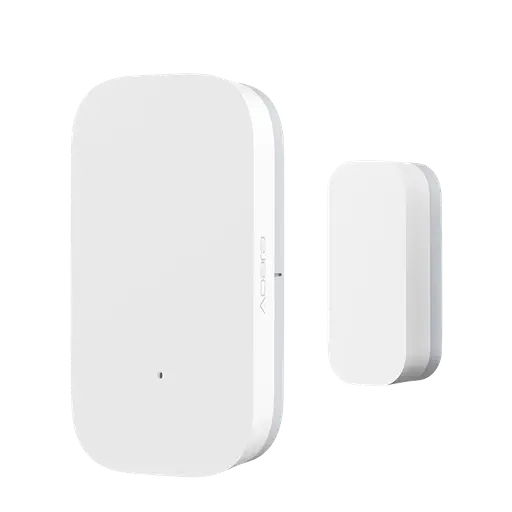
A two-part Zigbee contact sensor for a door, window or locker. Sensa shows whether it is open or closed.
Sensa Connection Method
Zigbee.
Installation
Install it following Aqara's instructions, within range of your Zigbee coordinator. Mains-powered Zigbee devices pass the signal on, so they extend that range.
Configuration
The sensor uses Zigbee, so you need a Zigbee coordinator added to Sensa first, such as the SMLight SLZB or the Sonoff Dongle M.
Adding to Sensa Nomad
Open Settings, choose the Devices tab and press Pair Zigbee, then press the pair button on the sensor. Sensa adds it as soon as it joins, and it moves to Added.
If it has been paired before and is waiting under Discovered, tick it and press Add Selected Devices. If it is not there yet, press Scan.
See Adding devices for more.
What you see
- A tile on the Habitation Security tab reading Open or Closed, with when it last changed.
- You can use it to start a routine, for example doing something when a door opens.
Good to know
- There is no instinct for it, so it does not raise an alarm on its own.
- This model carries the Unverified label in the Devices list. See Supported devices for what that means.